how-to-run-tiktok-ads
How to Run Ads on TikTok: A Step-by-Step Guide for Dropshippers and E-commerce Brands
By
Kinnari Ashar
TikTok no longer serves only as a place for entertainment. It has quietly grown into one of the largest product discovery channels for online stores. With more than one billion monthly users worldwide, the platform introduces products to audiences who were not actively searching for them.
If you want to run ads on TikTok, the first challenge often appears before a campaign even launches. Ads Manager setup can feel confusing, campaign structure may look unfamiliar, and creating videos that match TikTok’s native style takes practice.
This guide will show you exactly how to run ads on TikTok step by step so you can move from confusion to launching your first campaign with clarity.
How TikTok Advertising Works?
Before you learn how to run ads on TikTok, you should understand how the platform decides which ads people see. Without that context, the Ads Manager interface can feel confusing. You launch a campaign, spend money, and sometimes the results make no sense.
TikTok treats ads differently from older ad platforms. Your ad does not appear in a separate banner or side placement. It shows up directly in the For You feed, right between normal videos from creators. To the person scrolling, it looks like another piece of content.
What happens next depends on how viewers react.
TikTok quickly studies early engagement signals. The platform pays attention to how long people watch the video, whether they like it, leave a comment, share it with someone, or tap the link to learn more.
If viewers stay on the video and interact with it, TikTok starts pushing the ad to larger audiences. If people swipe away within a second or two, distribution slows down.
This is where the platform behaves very differently from Meta advertising. Meta relies heavily on audience targeting, whereas TikTok pays closer attention to how people respond to the video itself.
How Advertisers Find Winning TikTok Ads Before Launching Campaigns?
Marketers usually begin with the TikTok Creative Center. The platform highlights ads and videos generating strong engagement, which helps advertisers observe hooks, video pacing, and product demonstrations that keep viewers watching.
Another common habit is monitoring viral TikTok posts related to e-commerce products. These clips often show how creators present items in ways that trigger curiosity and discussion.
Competitor analysis adds another layer of insight. Studying ads from other brands can reveal which creative angles appear repeatedly across campaigns.
Ad intelligence tools simplify this research process. Our platform, WinningHunter, allows advertisers to track high-spend TikTok ads, review competitor creatives, identify trending products, download TikTok videos without watermarks, and even reverse search ads using AI.
This type of research shortens product discovery and creative testing cycles, allowing marketers to begin campaigns with stronger ideas already proven to attract attention.
Step-by-Step Guide to Running TikTok Ads
Step 1: Create a TikTok Ads Manager Account
When people decide to run TikTok ads, their first stop is the TikTok for Business website. This is where advertisers open an Ads Manager account and gain access to the platform that runs every campaign.
The registration form is simple and only asks for a few business details. TikTok uses this information to configure the advertising account before it becomes active.
During signup, you will need to enter:
Business name
Billing information for ad payments
Preferred currency for ad spend
Time zone for campaign reporting
The time zone setting matters more than you may think. Daily spend tracking and reporting follow this setting, so choosing the correct one keeps performance data consistent with your working hours.
After submitting the form, TikTok reviews the account before enabling Ads Manager. Approval usually takes around 24-hours.
Once the account is approved, advertisers can log in and begin building campaigns inside the Ads Manager dashboard.
Step 2: Choose the Right Campaign Objective
When you start building a campaign in TikTok Ads Manager, the platform asks a simple question first. What outcome should this campaign focus on?
Your answer shapes how TikTok distributes the ads. The system studies different user behaviors depending on the objective you select. Someone who often watches videos behaves differently from someone who frequently completes purchases.
TikTok groups objectives into three categories.
Awareness campaigns focus on exposure. A reach campaign pushes your ad to a broad audience, so more people encounter the product.
Consideration campaigns try to generate interest or interaction. Advertisers use these objectives to send visitors to a website, increase engagement on a video, drive app installs, or encourage longer video views.
Conversion campaigns concentrate on measurable outcomes such as purchases, leads, or other website actions tracked through the TikTok pixel.
For e-commerce advertisers, conversion campaigns usually make the most sense because the algorithm begins searching for users who show stronger buying intent.
Step 3: Install the TikTok Pixel for Conversion Tracking
If you plan to run conversion campaigns, installing the TikTok Pixel on your website is an important step.
The pixel is a small piece of tracking code that records what visitors do after clicking your ad. Once it is active, TikTok can see actions such as product page views, add to cart events, and completed purchases.
These signals help the platform understand which users are more likely to convert. Over time, the algorithm begins prioritizing audiences that behave similarly to people who have already completed those actions.
Most e-commerce platforms make the installation simple. Shopify, WooCommerce, and similar systems allow you to connect the pixel through built-in integrations without touching code.
Once the pixel starts collecting data, conversion campaigns become far more effective because TikTok can optimize delivery based on real purchase behavior.
Step 4: Configure the Ad Group
This step decides who your ads reach and how the campaign budget runs. Many beginners treat targeting like a precision exercise. They stack multiple interests, narrow the age range, and add as many filters as possible. That often limits the algorithm before it has a chance to learn.
The platform performs best when the audience is reasonably open. TikTok studies how viewers react to the video and gradually pushes the ad toward people who behave similarly. When targeting is too tight, the system has fewer signals to work with.
You can still guide the campaign with a few basic controls. Ads Manager lets you define the audience by location, age, gender, interests, behaviors, and device type. These filters remove obviously irrelevant users while leaving enough room for the algorithm to explore.
You can also reach people who already know your business. Custom audiences allow you to target website visitors, upload customer lists, or re-engage users who interacted with your content.
Lookalike audiences take this one step further. TikTok analyzes an existing audience and searches for other users who share similar behavior patterns. For e-commerce advertisers, this often becomes a reliable way to expand beyond your current customer base without manually guessing new interests.
Step 5: Set Budget and Bidding
Budget settings determine how quickly TikTok can learn from your campaign. If the budget is too small, the algorithm receives very little data and the campaign struggles to stabilize.
TikTok enforces minimum spending limits to prevent that situation. A campaign must have at least $50 allocated, while each ad group requires a daily budget of at least $20. These thresholds give the platform enough activity to evaluate performance signals during the early delivery phase.
The next choice involves bidding.
The default option is lowest cost bidding. With this setting, TikTok focuses on generating as many results as possible within your budget. Most advertisers use this while testing new creatives because the system has more freedom to find conversions.
Cost cap bidding works differently. Here, you set a target cost for the result you want, such as a purchase or lead. TikTok still tries to deliver conversions, but it attempts to keep the average cost near that limit.
When you are just starting, the lowest cost usually works best. It allows the algorithm to explore the audience and identify which users respond to the ad before tighter cost controls are introduced.
Step 6: Upload Your Ad Creative
Everything you configured earlier only works if the video holds attention. On TikTok, the creative decides whether the campaign gets momentum or stalls. The platform watches how people react during the first seconds of the video. If viewers keep watching, the ad spreads to larger audiences. If they swipe away immediately, delivery slows down.
That is why ads that look like polished commercials often struggle here. TikTok users expect content that feels native to the feed. Videos that resemble normal posts from creators usually perform much better.
When advertisers produce TikTok ads, they typically follow a few patterns:
Vertical video format with a 9:16 layout so the content fills the mobile screen
Short runtime, with many high-performing ads falling between nine and fifteen seconds
A strong hook within the first two or three seconds to stop viewers from scrolling
On-screen captions to communicate the message even when the sound is off
Editing that matches the native TikTok style, including quick cuts and informal presentation
The closer the ad feels to regular TikTok content, the easier it is for viewers to watch it without immediately recognizing it as an advertisement. That reaction increases watch time, which strongly influences how widely the platform distributes the ad.
Step 7: Submit Ads for Review and Launch the Campaign
After uploading your creative and finalizing the settings, the campaign does not start running immediately. TikTok reviews every ad before it enters the feed. This check focuses on policy compliance. The platform looks at the video, landing page, and messaging to confirm the ad follows its advertising rules.
Most reviews move quickly. In many cases, the ad receives approval within about twenty-four hours, though it can happen faster.
Once the ad is approved, delivery begins automatically. Now, TikTok will start showing the video to an initial group of users and watch how they respond. Watch time, engagement, and clicks begin shaping how the campaign distributes moving forward.
m.
Types of TikTok Ads Businesses Can Run
1. In Feed Ads
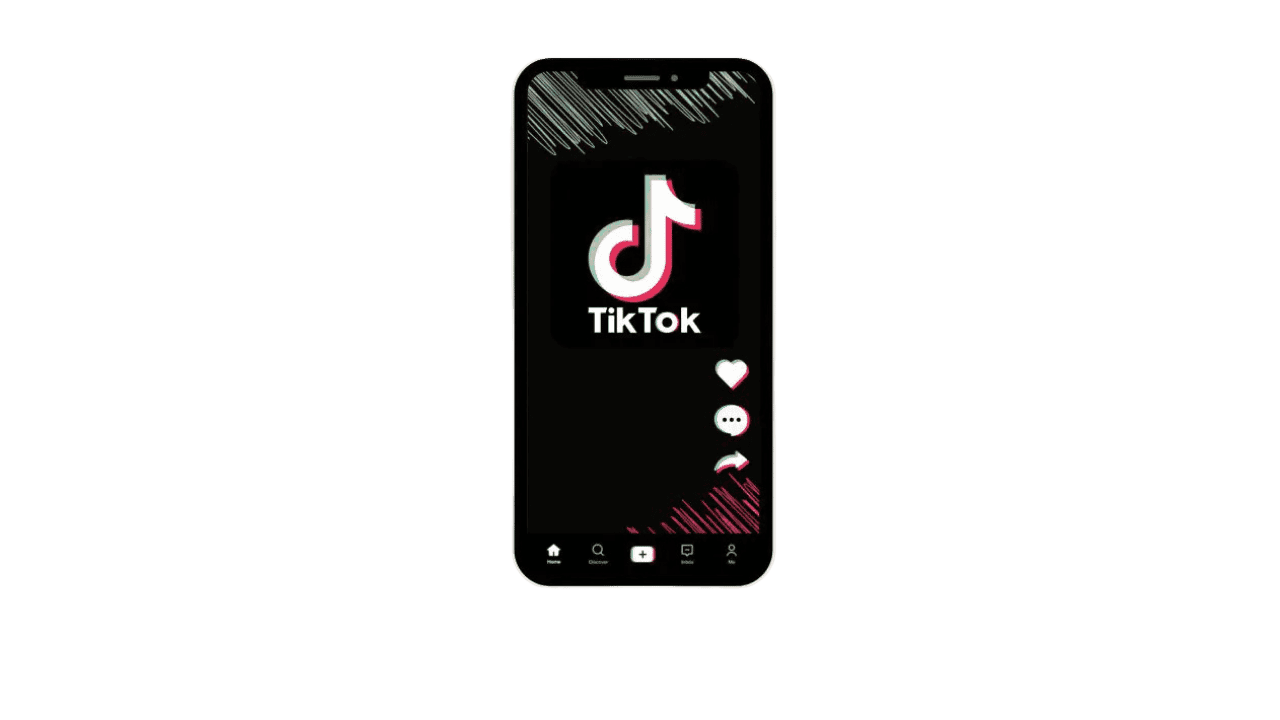
In-Feed Ads carry most of the advertising activity on TikTok. These videos appear between regular posts inside the For You feed, so viewers encounter them while scrolling through content. Apart from a small Sponsored label, the format looks almost identical to a normal video.
After a few seconds, a call-to-action button appears on the screen. Viewers may see prompts such as Shop Now, Learn More, or Download depending on the campaign goal.
This format works well for performance campaigns. Dropshipping stores rely on it to test products quickly. E-commerce brands use it to drive purchases, and new product launches often begin here because multiple creatives can be tested and scaled.
2. Spark Ads
Spark Ads allow advertisers to promote an existing TikTok post rather than uploading a completely new ad. The original video can come from the brand account or from a creator who posted about the product.
What makes this format useful is that the engagement remains visible. Likes, comments, and shares stay attached to the post while it receives paid distribution.
That existing interaction helps the video feel more authentic inside the feed. Brands often partner with creators for this reason. A creator publishes a product video, and the brand later promotes the same post as a Spark Ad to expand its reach.
Campaigns built around creator-style content often perform well with this format.
3. TopView Ads
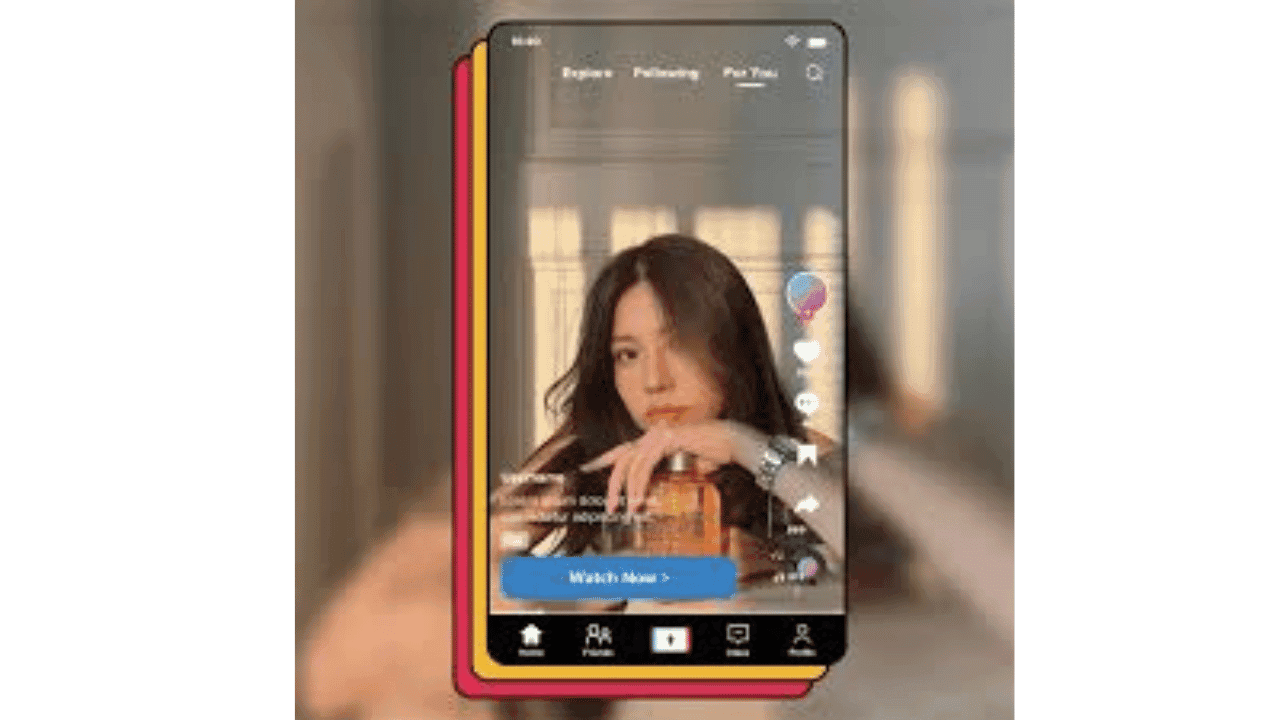
TopView Ads focus on visibility. When someone opens TikTok, a full-screen video appears before the user begins scrolling through the feed.
This placement gives the advertiser immediate attention across a large audience. The video occupies the entire screen, which makes it difficult to miss during the first seconds of the session.
Because of the exposure, this format usually requires larger budgets. It is commonly used by established brands launching major campaigns or promoting seasonal announcements.
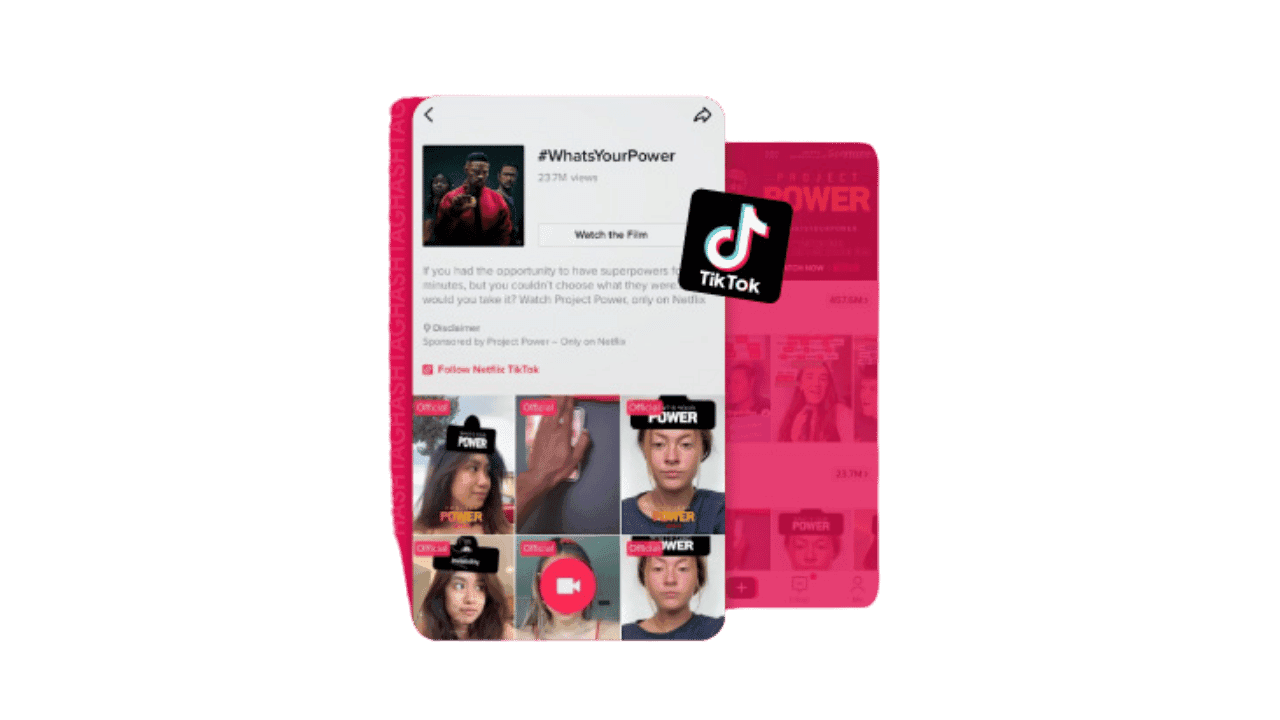
4. Branded Hashtag Challenges
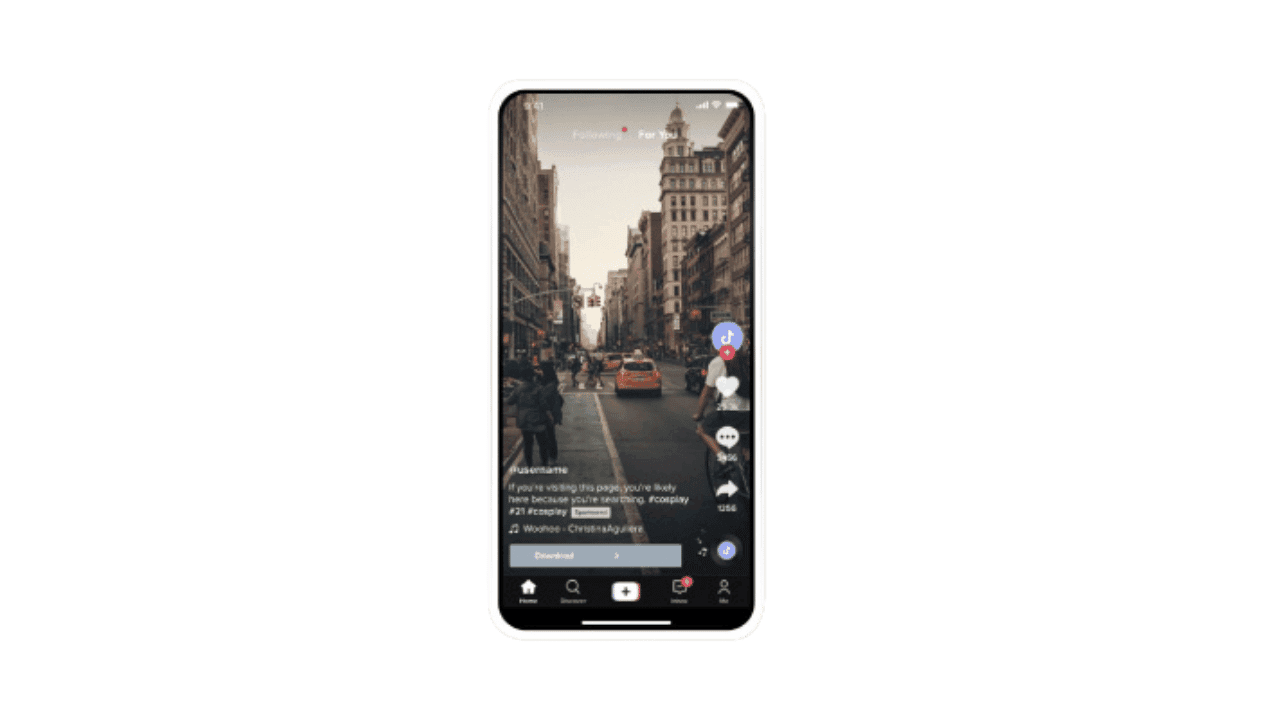
Branded Hashtag Challenges invite users to participate in a campaign rather than simply watch an ad. A brand introduces a specific hashtag and encourages people to create videos around that idea.
Creators often start the trend by publishing the first examples, showing others how to join. When the concept resonates with viewers, participation spreads quickly, and thousands of videos may appear under the same hashtag.
This format focuses on visibility and community involvement. Brands that want large-scale exposure often use hashtag challenges as part of a broader campaign supported by creators and paid promotion.
5. Branded Effects
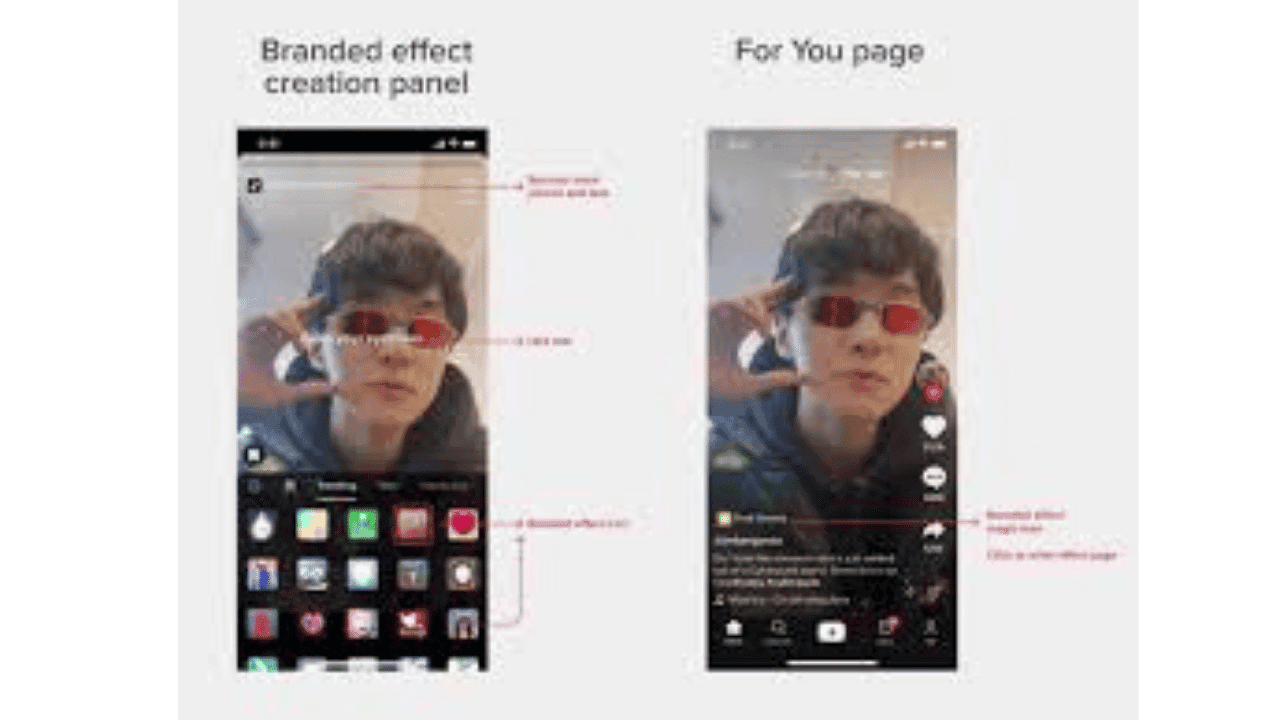
Branded Effects give users interactive tools they can apply while recording their own videos. These tools may include augmented reality filters, stickers, or visual effects designed around the brand.
Once released, the effect becomes available inside TikTok’s recording interface. Users can select it and incorporate the branded element into their content.
The format works best for campaigns built around participation. When people begin using the effect in their own videos, the brand appears naturally within user-generated content.
Large awareness campaigns often combine branded effects with creator partnerships or hashtag challenges to encourage more people to experiment with the visual element.
Where to Go After Launching Your First TikTok Ads?
Now you know how to set up TikTok ads from start to finish. You can open Ads Manager, build a campaign, choose the objective, configure targeting, set a budget, and launch a video.
But running ads on TikTok does not end at launch. That moment is where the real learning begins.
Once your ads start delivering, pay attention to how people react to the creative. Which videos keep viewers watching? Which ones lose attention in the first few seconds? Those signals usually matter more than tiny adjustments in targeting or budgets.
Good advertisers keep testing. They try different hooks, different product demonstrations, and different creative styles until something starts gaining traction.
Research helps with that process. Watching competitor ads, studying viral product videos, and tracking trends often reveal ideas worth testing. Our ad spy tool WinningHunter can speed this up. You can analyze competitor ads, identify products gaining traction, and review creatives that are already spending at scale before launching your own campaigns.
Once you start treating TikTok advertising as a cycle of research, testing, and iteration, the platform becomes much easier to navigate.
FAQs
What budget should beginners start with for TikTok ads?
Start with enough budget to let the platform gather real data. Most advertisers begin with around twenty to fifty dollars per ad group per day. That amount usually gives TikTok enough activity to evaluate how viewers react to the creative.
Which TikTok ad format works best for e-commerce?
In Feed ads handle the majority of e-commerce campaigns. They appear directly in the For You feed and behave like normal videos, which helps them blend naturally with the content people already watch.
How long should advertisers test TikTok ads before scaling?
Give a new creative a few days of delivery before making decisions. Early data often looks inconsistent. Advertisers usually wait until the campaign gathers enough impressions to judge whether the video holds attention and drives clicks.
Do TikTok ads work for dropshipping products?
Yes, especially for products that demonstrate well on video. Items that show a clear transformation, solve a visible problem, or create curiosity tend to perform better because viewers immediately understand the value.
How can marketers find winning TikTok ads quickly?
Many advertisers start by studying existing ads and viral product videos. Ad intelligence platforms such as WinningHunter make that research faster by showing active ads, competitor creatives, and products gaining traction across the platfor


We already know what works before you even have the chance to blink!
© 2024 WinningHunter.com